

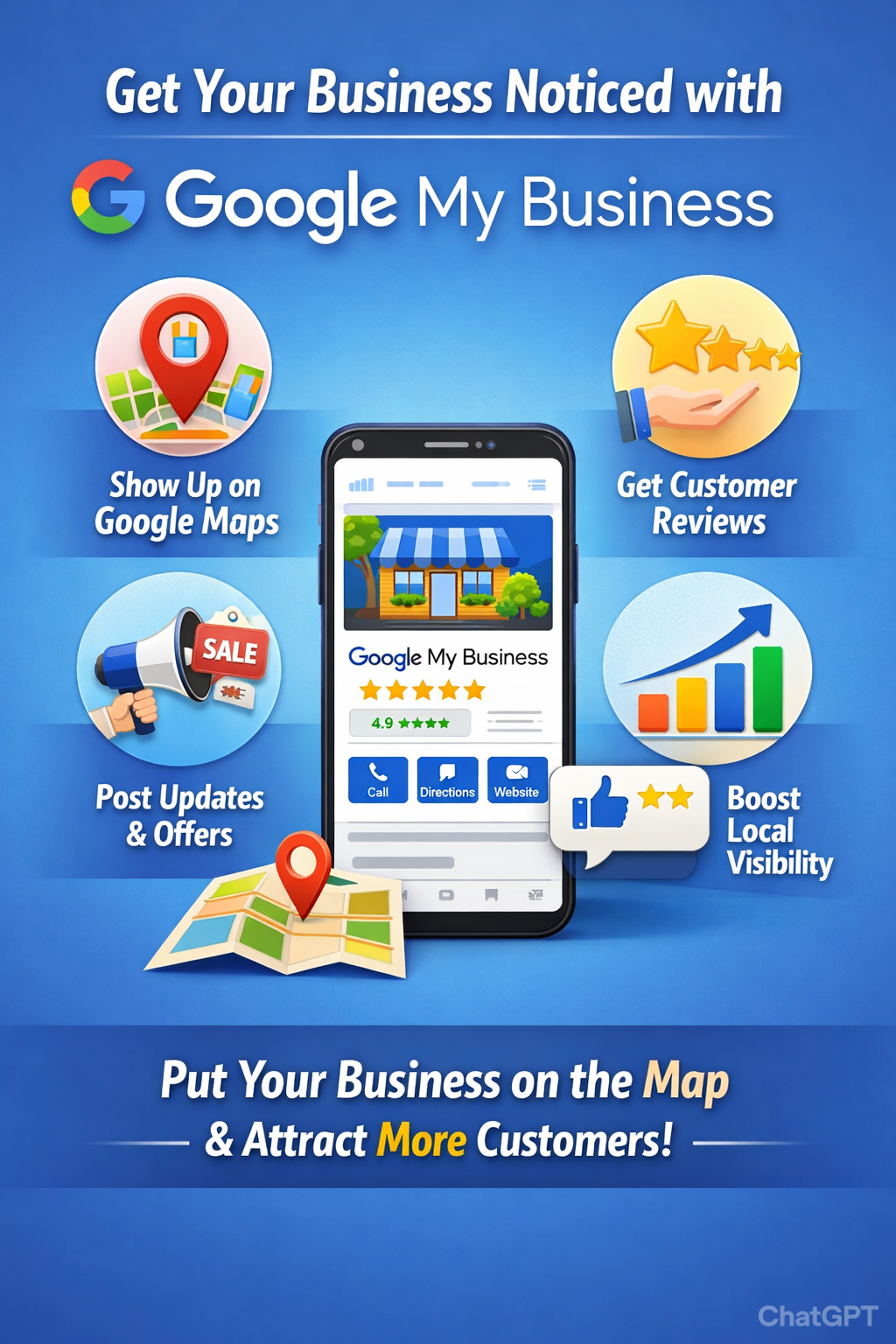
How to create GMB-Google My Profile
What is GMB?
GMB -Google My Business (now called **Google Business Profile**) helps your business appear on:
Google Search and Maps
So customers can find your **address, phone, website, photos, reviews**, etc.
Requirements Before You Start
Keep these ready:
* Gmail ID
* Business name
* Business category (very important)
* Address (or service area)
* Mobile number
* Website (optional but recommended)
## Step-by-Step: Create GMB Profile
### Step 1: Go to Google Business
Open 👉 **google.com/business**
Click **“Manage now”**
Step 2: Sign in
Login using your **Gmail account**
Step 3: Enter Business Name
* Type your **exact business name**
* If it appears already, select it
* If not, click **Create a business with this name**
Step 4: Choose Business Category
Choose the **most relevant category**, for example:
* Website Designer
* IT Services
* Music School
* Guitar Instructor
👉 You can add more categories later, but **primary category matters most**
Step 5: Add Location
Google will ask:
**“Do you want to add a location customers can visit?”**
* **YES** → if you have an office/shop
* **NO** → if you visit customers (service business)
Enter:
* Full address (accurate & same as other platforms)
Step 6: Service Area (Optional)
If you serve customers at their place:
* Add areas like: *Mumbai, Navi Mumbai, Thane*
Step 7: Contact Details
Add:
* Mobile number
* Website URL (if available)
Step 8: Verification
Google will ask to verify your business using:
* 📩 **Postcard** (most common)
* 📱 Phone or SMS (some businesses)
* 📧 Email (rare)
* 🎥 Video verification (new & common)
⏳ Verification may take **5–7 days**
## After Verification (Very Important)
Once verified, **optimize your profile**:
1. Add Photos
* Logo
* Cover image
* Office / work samples
* Team photos
### 2. Write Business Description
750 characters SEO-friendly description
3. Add Services
Example:
* Website Development
* SEO Services
4. Business Hours
Set correct working hours
5. Enable Messaging
Customers can WhatsApp/message directly
6. Post Regular Updates
* Offers
* New work
* Festival posts
* Client testimonials
Common Mistakes to Avoid
❌ Fake address
❌ Keyword stuffing in business name
❌ Wrong category
❌ No photos
❌ Not replying to reviews




Leave a Reply